Digital legacy planning
If something happened to you tomorrow, would your family know where to find your passwords, documents, and final instructions?Would your family know where everything important is?
Store passwords, documents, recovery details, and final instructions securely. Keep everything private while you are active, then share only the right information with the right trusted contacts when it is truly needed.Secure passwords, documents, and final instructions. Share only what each trusted person needs when it matters.
If access is needed later
A clearer handoff for your family or executor
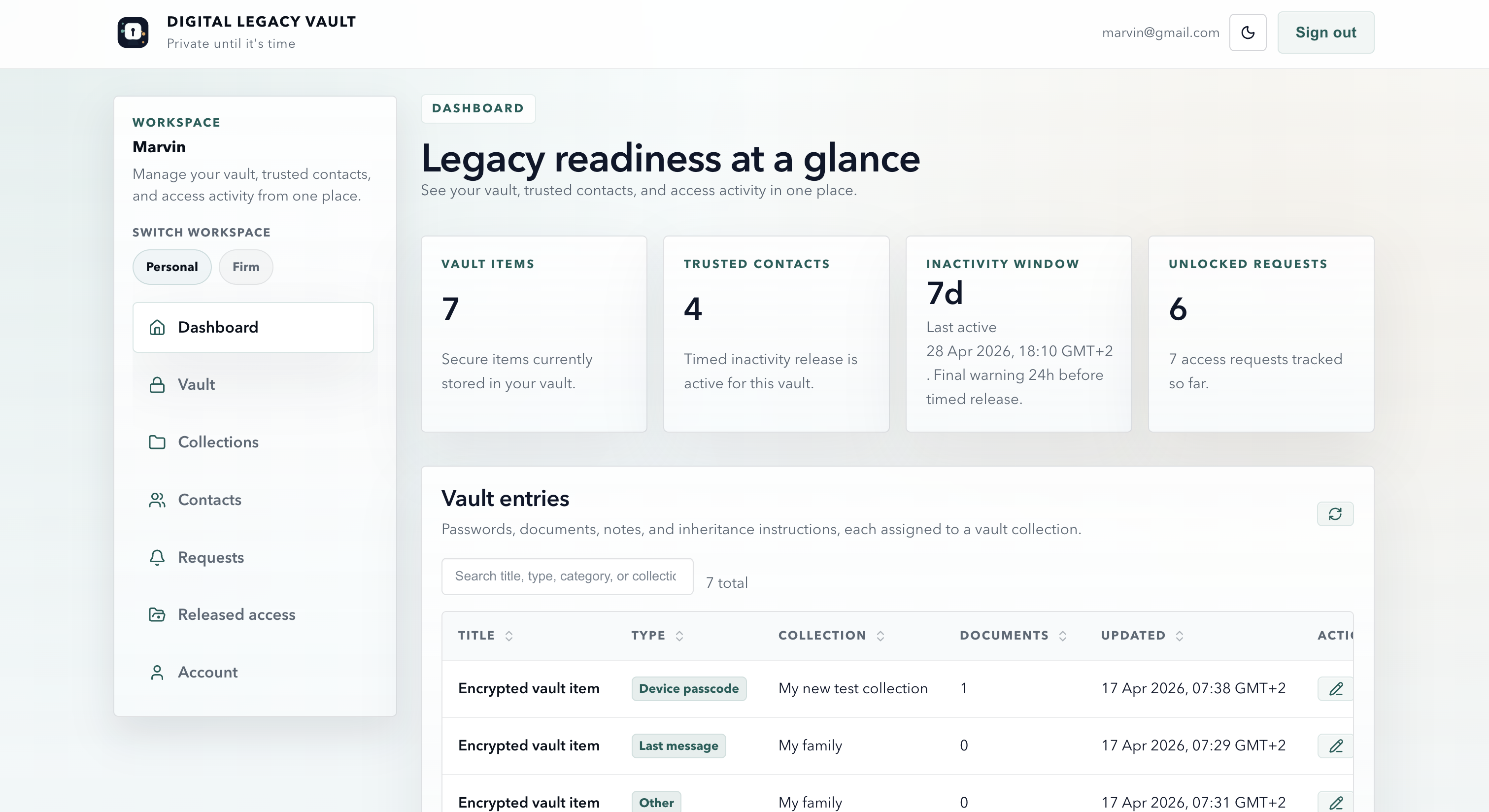
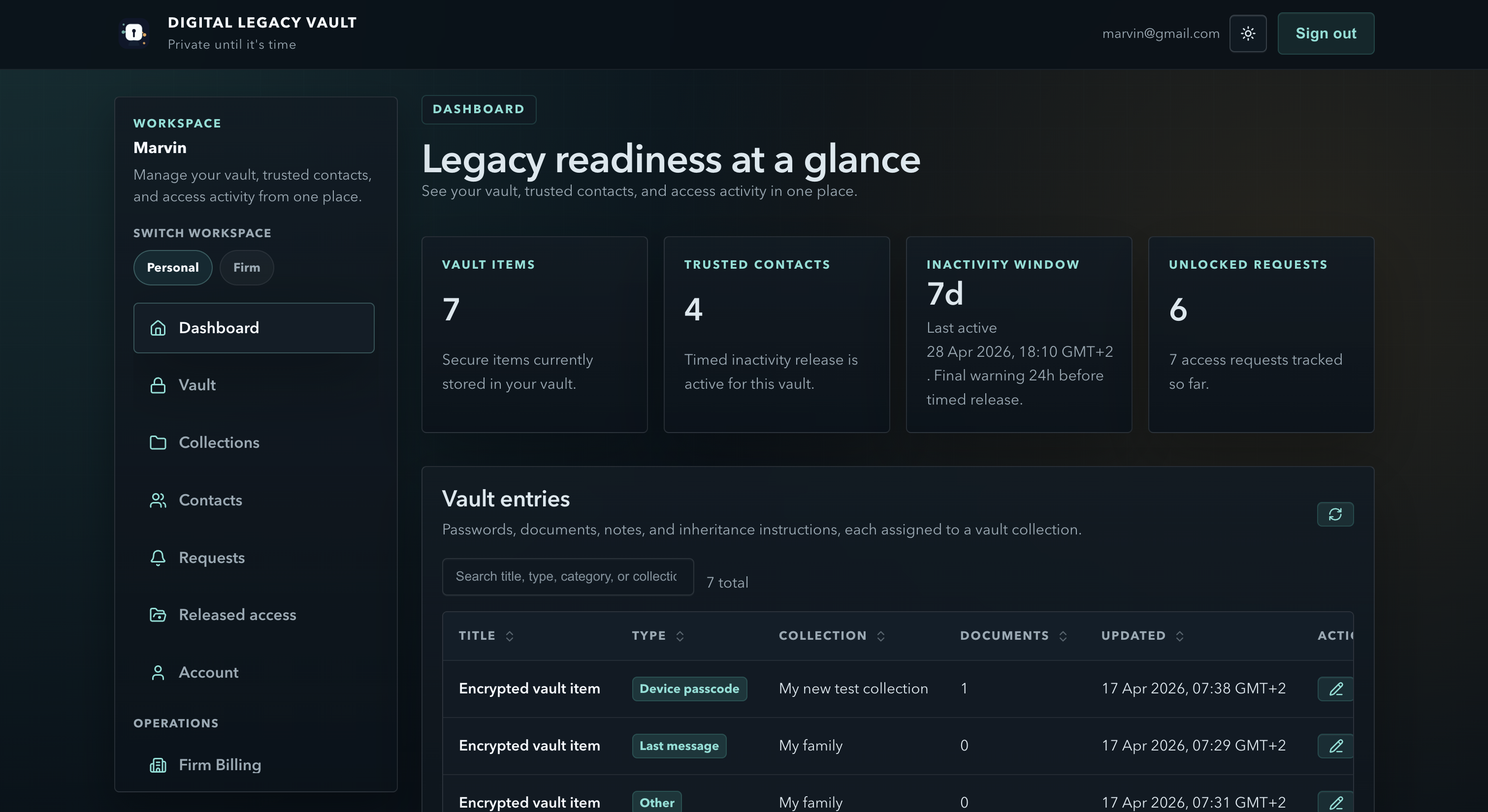
A trusted contact starts with a request. Your safeguards run first. Nothing unlocks from a request alone. Only the collection that meets your rules becomes available.
What to add first
Start with the records your family would struggle to find
Add the essentials in stages: passwords, recovery details, documents, and instructions. The goal is to reduce panic later, not to finish everything today.
Use the app on iOS and Android
Securely access your vault on iOS and Android.


FAQ
Questions people ask before they start
These are the setup, privacy, and release questions people usually want answered before they create a vault.
Why does this feel safer than a shared document?
Because the goal is to reduce the family scramble later without making sensitive records casually readable today. A trusted contact can start a request, but the vault stays locked until the release rules you set are satisfied.
How is my vault information protected?
Sensitive vault records are encrypted before storage, so they are not kept on the server as readable plain text. The service still needs limited account and workflow data to operate, but the vault content itself is designed to stay protected.
Does access happen automatically when I add a trusted contact?
No. Trusted contacts still need to request access later, and your chosen release rules must still be satisfied before anything unlocks.
Can different people access different parts of the vault later?
Yes. Vault collections let you separate records and decide which trusted contacts are even eligible for each collection.
Do I need to build the whole plan before I can use it?
No. Start with the first records your family would need most, then add more collections, contacts, and instructions over time.
Contact
Need help deciding what to add first?
Send a note and we’ll reply by email. Ask about what to include first, who to name as a trusted contact, or how access works later.