Support
Get unstuck before a vault question becomes urgent
Digital Legacy Vault support for sign-in, trusted-contact invites, access requests, and secure setup questions.
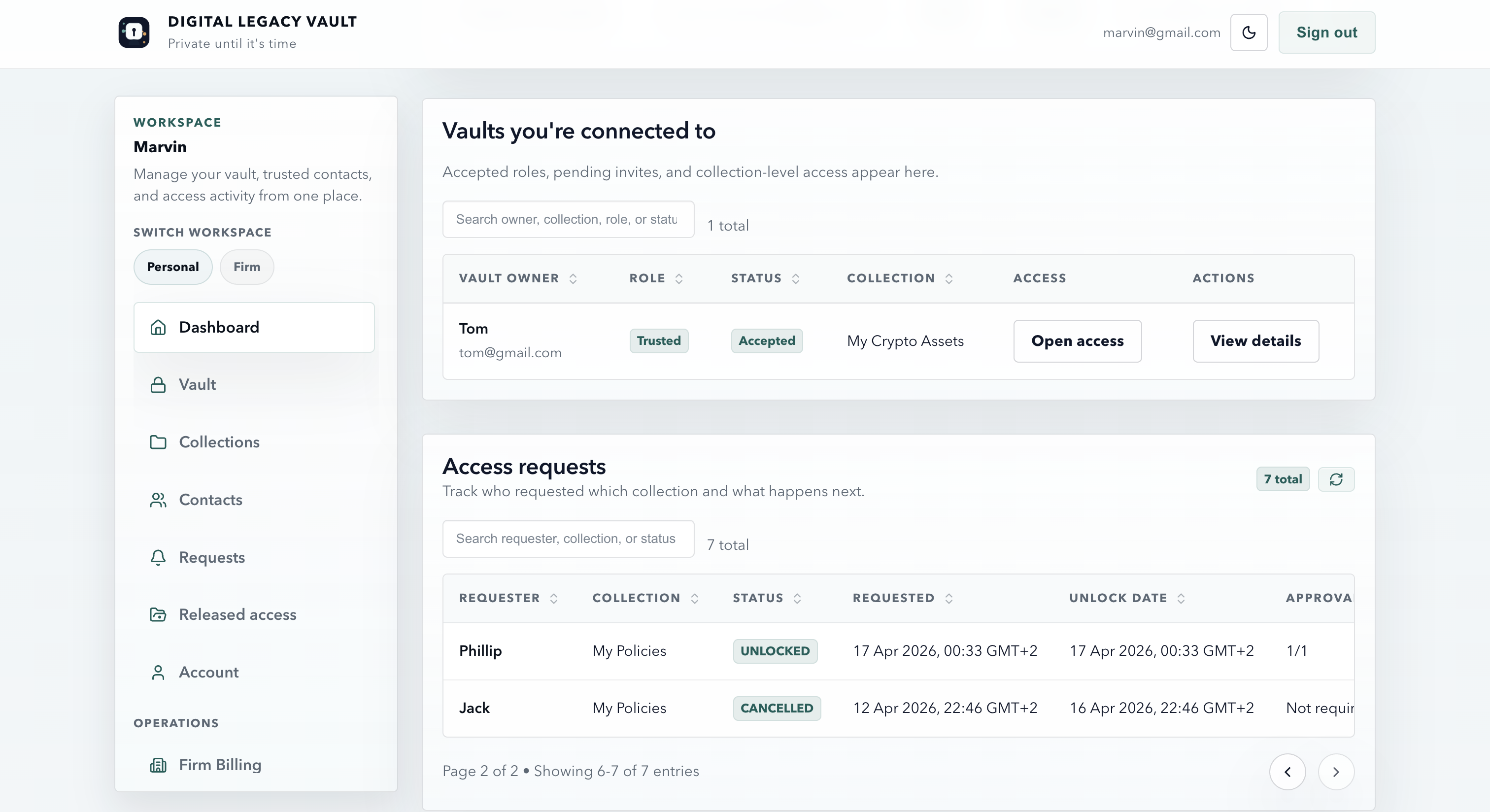
Start here
The three support topics people usually need first
Keep these straight and most day-one support questions become much easier to resolve.
Account access
Use sign in, password recovery, or support if you cannot get back into the vault.
Invites and requests
Understand what an invite does, what it does not do, and when a release path actually starts.
Privacy and security
Sensitive content stays protected until the selected release path is satisfied.
Quick answers
Read the short version before opening chat
These cover the support prompts people click most often. If the short answer is not enough, use live chat on this page for the follow-up question.
Please do not share passwords, recovery codes, or vault secrets in chat.
How do trusted contacts work?
Trusted contacts do not get immediate access. They first accept the relationship, then any future access still follows your release rules for the specific collection.
What should I store first?
Start with the accounts and instructions your family would struggle to reconstruct under pressure: passwords, recovery paths, devices, and account ownership notes.
How do release rules and inactivity triggers work?
Release settings control when stored information can move from protected to accessible. An inactivity trigger adds one more safety check before anything is released.
How secure is this?
Security and privacy are core parts of Digital Legacy Vault. Trusted contacts do not get automatic access just because they were invited.
Prefer a full list? Visit the Digital Legacy Vault knowledge base.
FAQ
Common support questions
A few practical answers for the support questions most people hit first.
What should I do if I forget how I signed in?
Use the same sign-in method you used originally. If you registered with Google, return with Google. If you used email and password, use password recovery.
Why can’t a trusted contact see everything immediately?
Because invite acceptance only creates the relationship. Access still depends on a later request and the owner’s release rules for the relevant collection.
Can I change trusted contacts and release rules later?
Yes. Owners can update contacts, collection grants, and access rules over time so the vault stays aligned with real life.
Account deletion
Delete your Digital Legacy Vault data
If you want to permanently delete your account and wipe your vault data, use one of the options below.
How to request deletion
Deleting the account permanently removes your vault metadata and any stored files or attachments. This cannot be undone.
- In the mobile app: go to Settings → Delete account.
- On the web dashboard: go to Account → Delete account.
- If you cannot sign in: email [email protected] from your account email address and ask us to delete your account.
If you have an active App Store or Google Play subscription, you may need to cancel it separately through your Apple ID or Google Play subscription settings.
Related guides
Useful planning answers before support becomes urgent
These articles cover the account-access and estate-planning questions people usually need answered before families are under pressure.
Still deciding whether to start?
Create a free starter vault, add one trusted contact, and use the support page when you need help with the next step.
Get support from the app too
Keep Digital Legacy Vault on your phone so sign-in recovery, trusted-contact invites, and access request updates stay close when you need them.


Contact us
Send a support request
Use this if you’re stuck, something looks broken, or you need help getting back into the vault. Technical issue is selected by default.